Discord RPC Bridge for Wine



Simple bridge that allows you to use Discord Rich Presence with Wine games/software on Linux/macOS.
Download latest release Download nightly build
Works by running a small program in the background that creates a named pipe \\.\pipe\discord-ipc-0 inside the prefix and forwards all data to the pipe /run/user/1000/discord-ipc-0.
This bridge takes advantage of the Windows service implementation in Wine, eliminating the need to run it manually.
These docs are for the latest stable release.
For v1.0, see the original README.
Known Issues
-
Wine versions older than 11.5 are not supported on non-x86 systems. (including newer MacBooks with Apple Silicon and other similar hardware)
-
For Wine 11.5 and later, you must use the Staging branch.
My game is not showing up in Discord
If your game is not showing up in Discord, please check the following:
-
The game you are playing has Rich Presence support!
- Some games may not have this feature. It's up to developers of the game to implement it.
This is not an issue related to the bridge.
- Some games may not have this feature. It's up to developers of the game to implement it.
-
You followed the installation steps correctly.
-
You are using the latest version of the bridge. Currently is
.
I still want to see the game in Discord!
This is outside the scope of this project, but here is how you can do it:
-
Go to
User SettingsunderActivity SettingsinRegistered Gamestab. -
Click
Add it!and select the game. (e.g.Cyberpunk2077.exe,HytaleClient.exe, etc.)- Note for Linux: This is not supported if you use Discord from Flatpak.
-
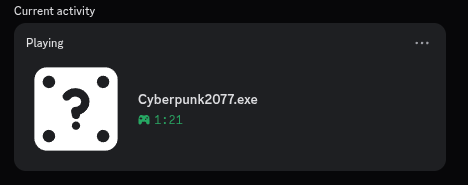
If the status shows like below, it means you need to rename the game.
-
Go again in
Registered Gamesand click on the game you just added. -
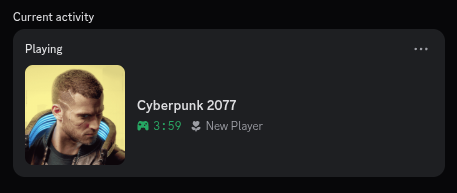
Rename the game to whatever you want. (in my case
Cyberpunk 2077) -
The result will be like this:
-
That's it!
Compiling from source
- Install the
wine,gcc-mingw-w64andmakepackages. - Open a terminal in the directory that contains this file and run
make. - The compiled executable will be located in
build/bridge.exe.
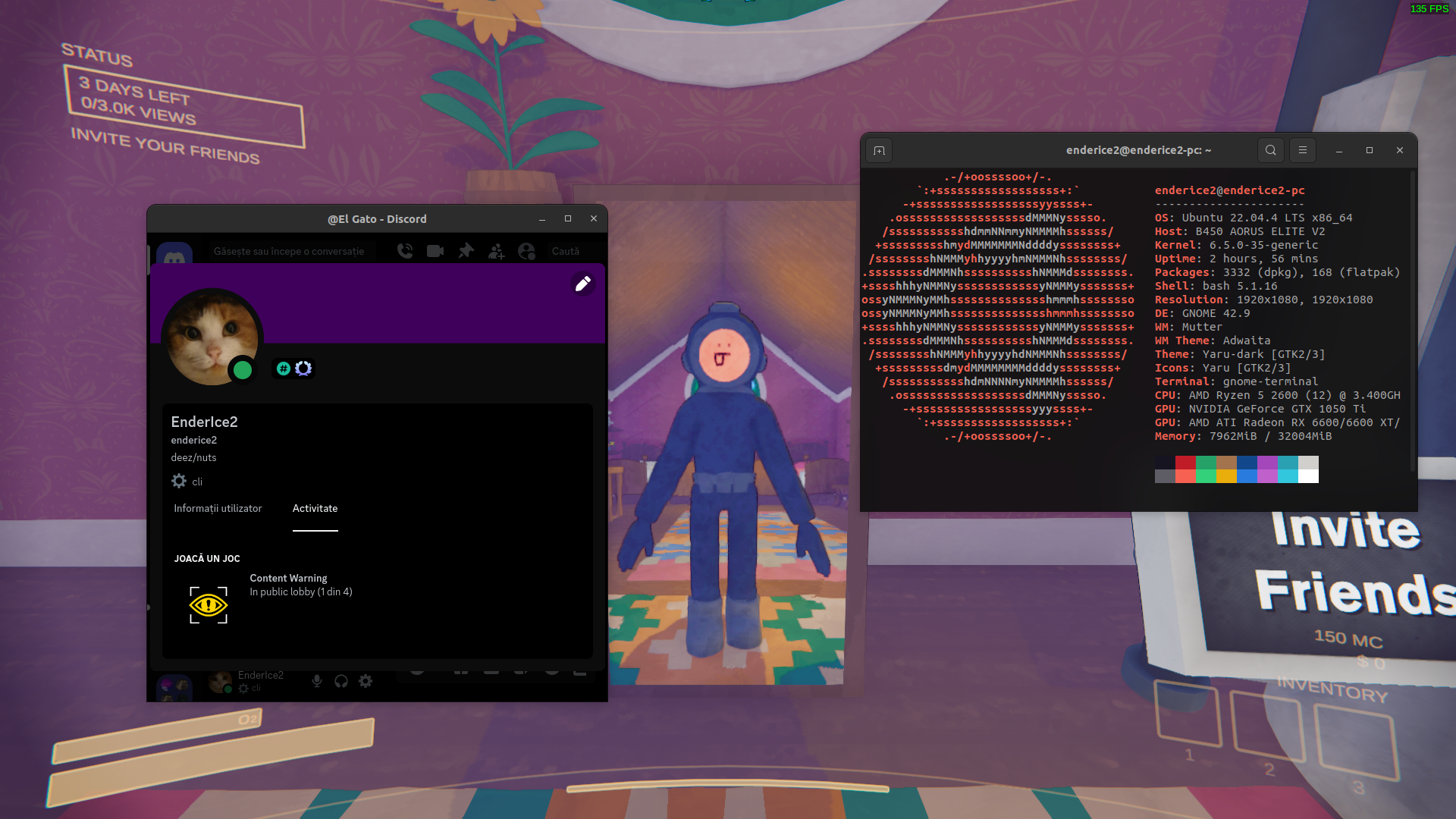
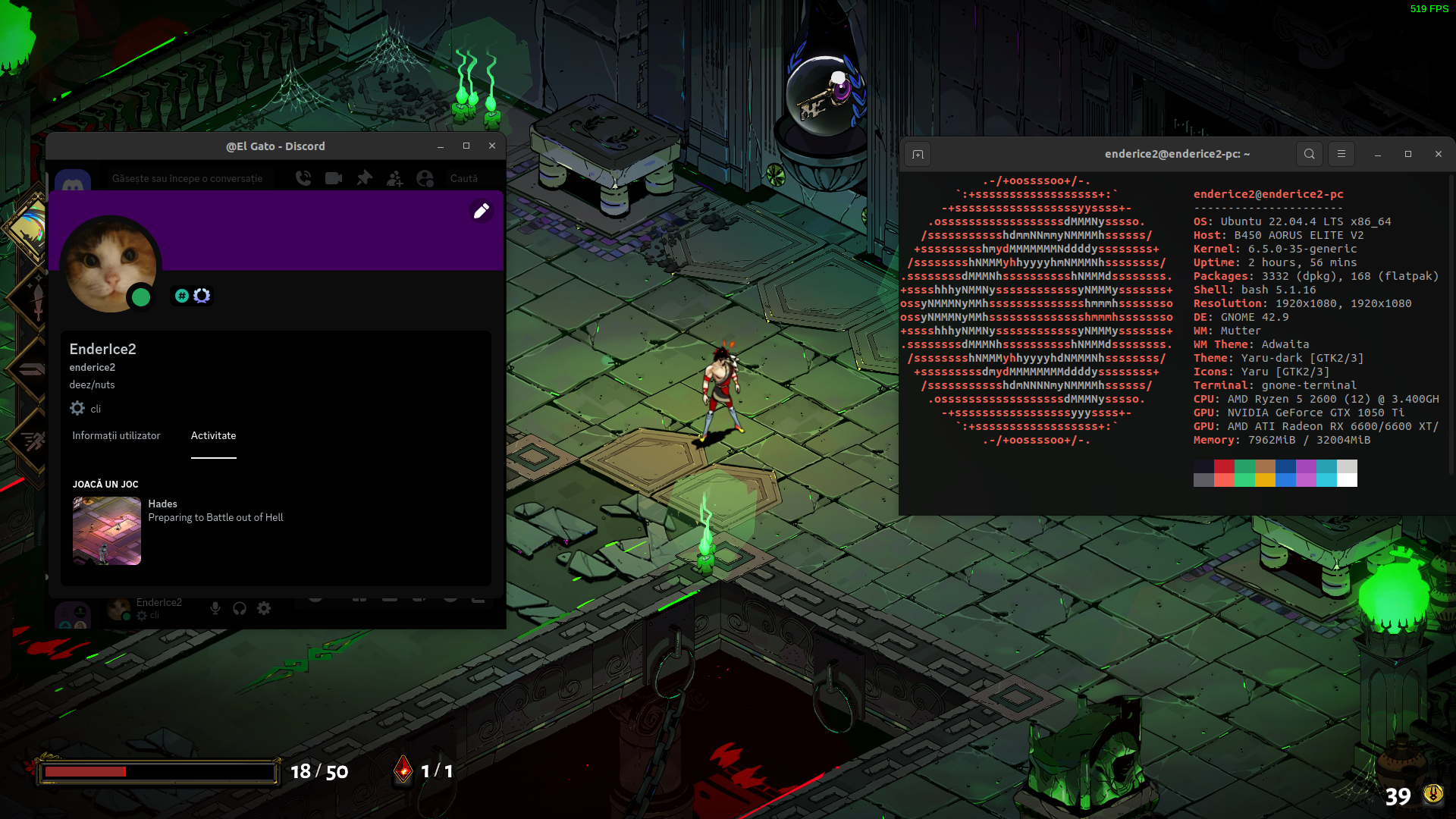
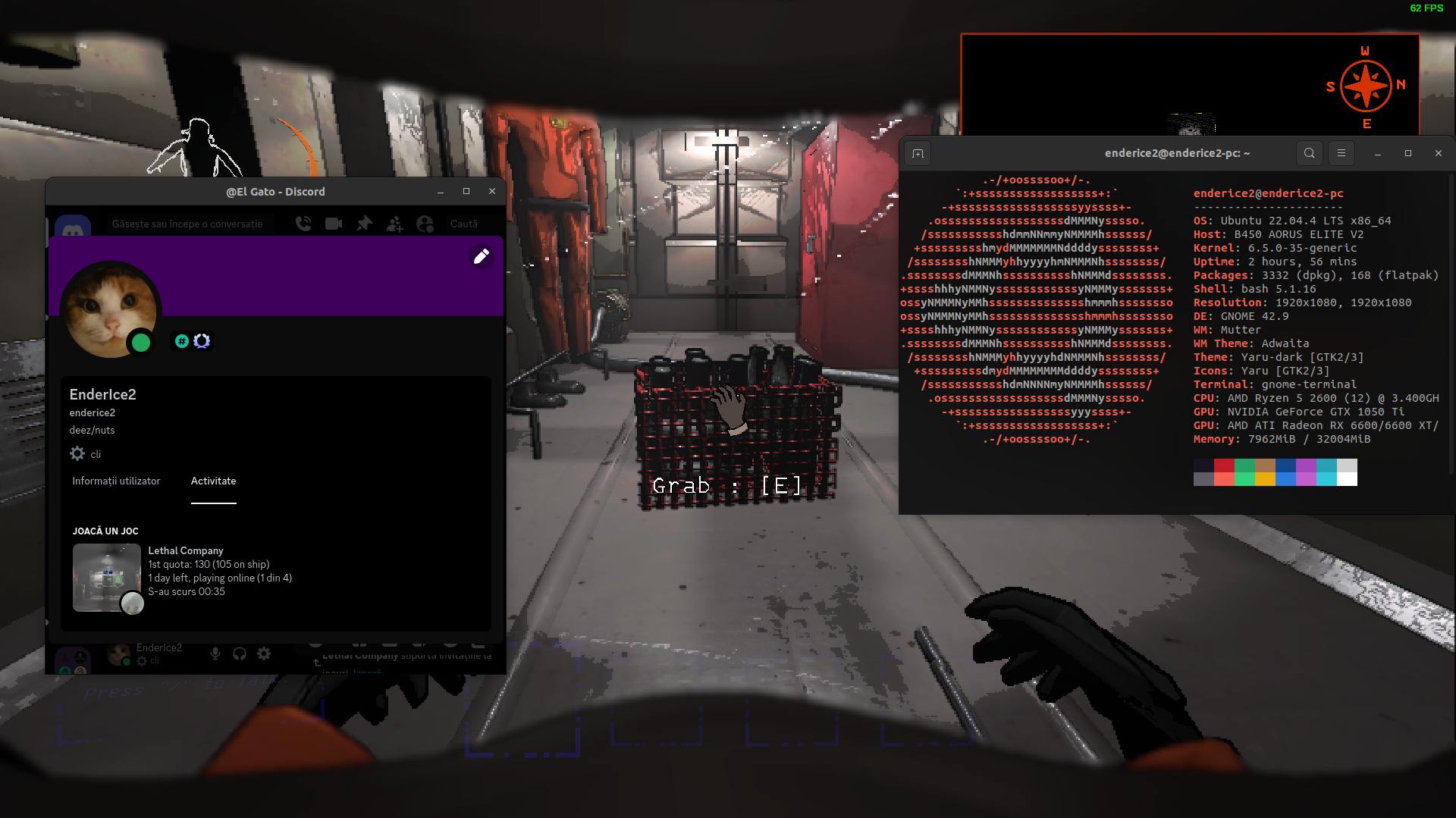
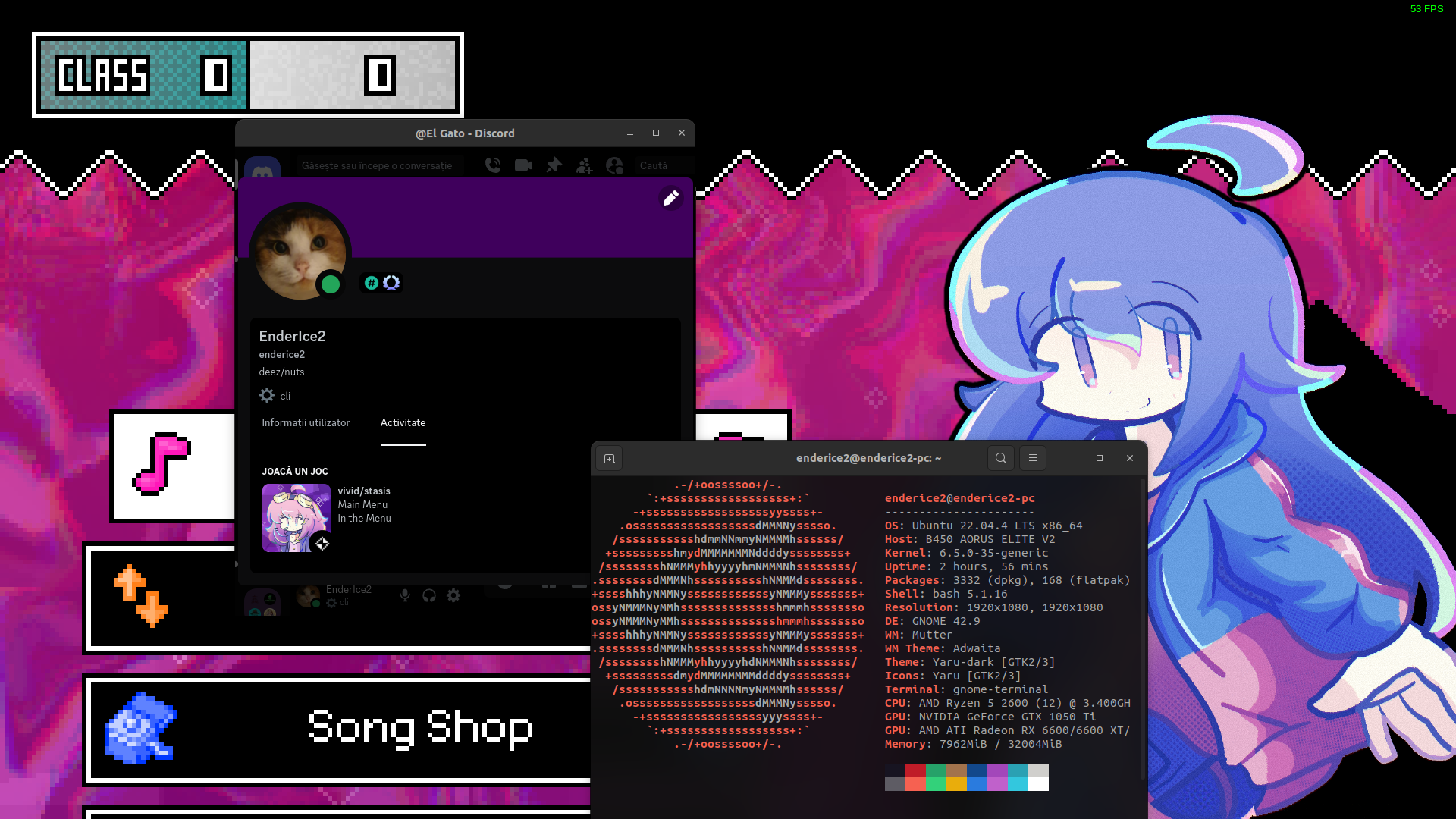
Examples
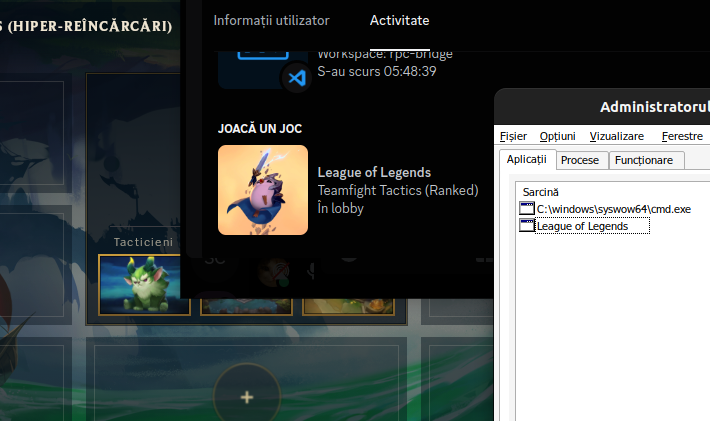
League Of Legends running under Wine using Lutris
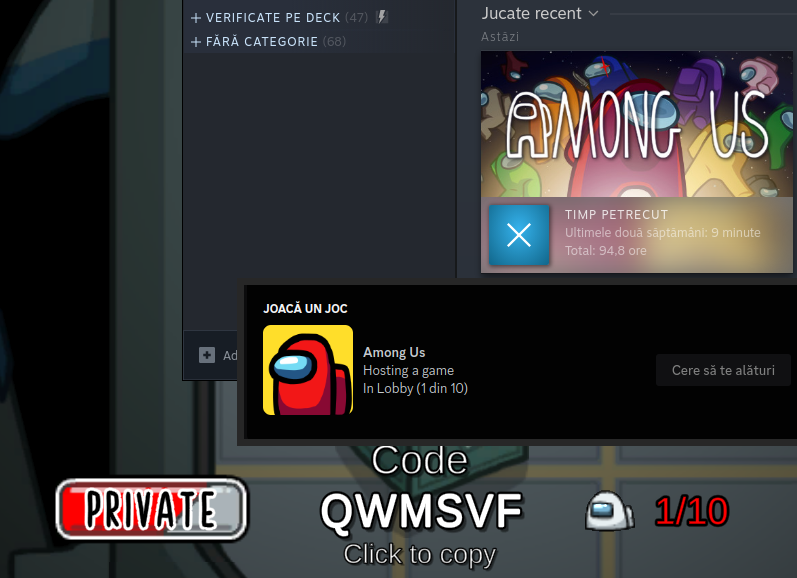
Among Us on Steam
Content Warning on Steam
Hades on Steam
Lethal Company (modded) on Steam
vivid/stasis on Steam
Credits
This project is inspired by wine-discord-ipc-bridge.